Support
Get live in under an hour
Setup guides, video tutorials, and answers to the questions Netond SkinScore merchants ask most.
Launch checklist
Step 1
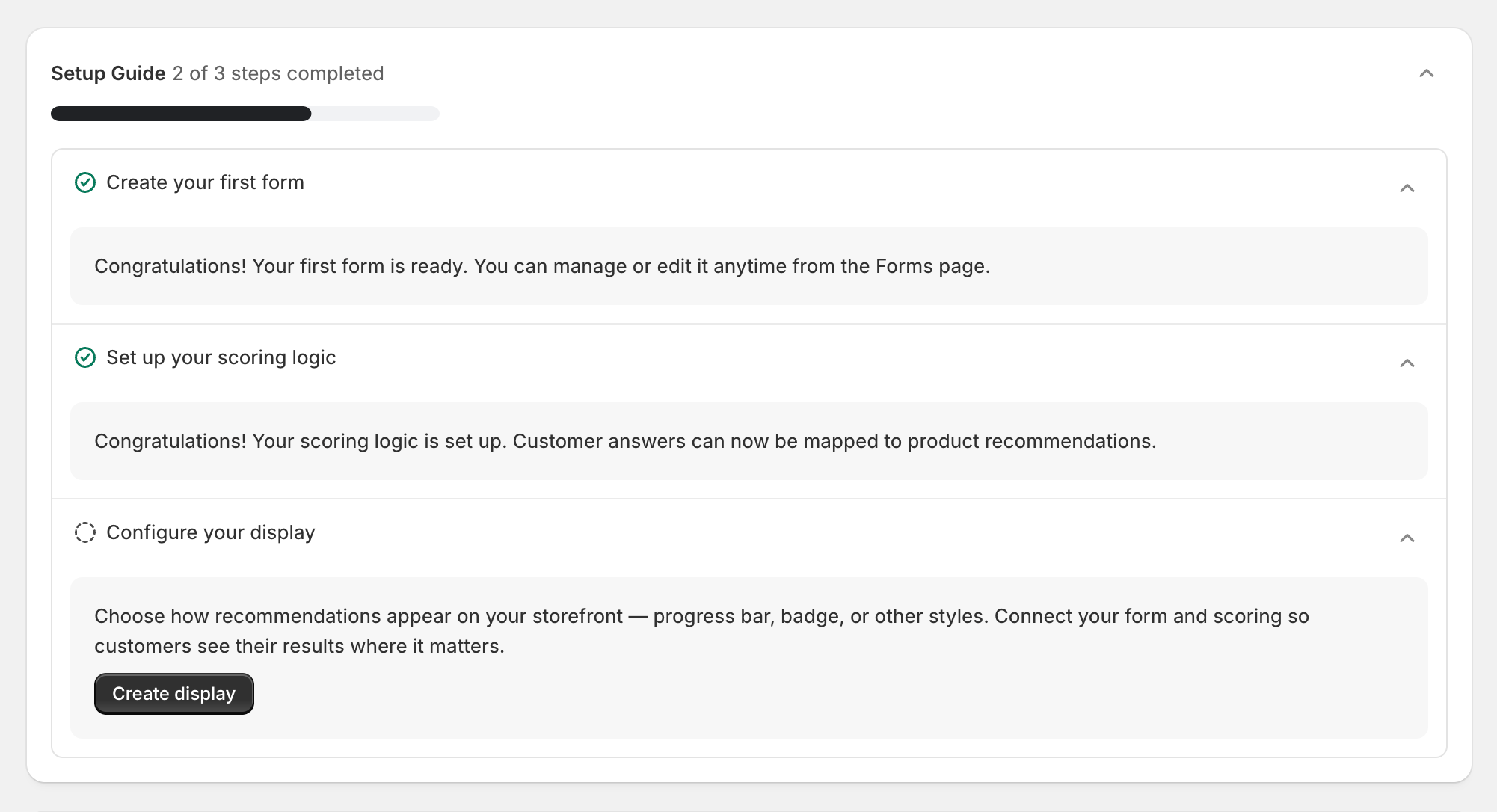
Build your quiz
Launch a skin type, shade, or routine quiz in minutes. Responses save to Shopify customer records and metafields — ready for segmentation and retargeting.
Step 2
Score your catalog
Map answers to products with weights and rules. Score your entire catalog against each customer profile so every recommendation is backed by data.
Step 3
Show results that sell
Display match scores with gauges, progress bars, or badges. Add morning and evening routines, then let AI explain why the routine fits — so shoppers buy with confidence.
Four steps to go live
- Create your first quiz form
- Configure product scoring rules
- Add match scores to your storefront
- Enable AI routine insights in Display
FAQ